Discover free AI tools that help students and working professionals with research, writing, presentations, coding, note-taking, and everyday tasks. Compare their main uses and choose tools that suit your requirements.

Artificial Intelligence (AI) tools are becoming useful for students and working professionals. They can help with studying, research, writing, presentations, coding, and everyday work. Many AI platforms provide free plans, allowing users to explore their features without immediately purchasing a subscription.
However, each AI tool is designed for different purposes. Some are better for writing and research, while others support document analysis, visual content creation, or programming. Understanding what each platform offers can help you choose the right tool for your requirements.
Here are 10 useful free AI tools for students and working professionals, along with their key features, common uses, and free access details.
ChatGPT is a general-purpose AI assistant that can help with questions, explanations, writing, brainstorming, and problem-solving. Students can use it to understand difficult topics, prepare practice questions, and organise study plans. Professionals can use it to draft emails, summarise information, prepare reports, and generate ideas.
Free Access: ChatGPT offers a free plan with access to selected features and usage limits. Some advanced capabilities have restricted availability.
Google Gemini is an AI assistant that helps users find information, understand topics, generate content, and work through questions. Students can use it to explore subjects and prepare learning materials. Professionals can use it for brainstorming, planning, drafting, and understanding work-related information.
Free Access: Gemini provides free access with usage limits. Availability of certain models and advanced features depends on the selected plan.
Claude is an AI assistant useful for working with written content and longer documents. Students can use it to understand reading materials, review drafts, and organise information. Working professionals can use it to analyse documents, improve written communication, and prepare structured content.
Free Access: Claude offers a free plan with usage limits. Access to models and additional capabilities may vary.
Perplexity AI is designed for information discovery and research. It provides responses with links to sources, making it useful when users need to investigate a topic further. Students can use it to explore research subjects, while professionals can use it to gather background information and review industry developments.
Free Access: Perplexity provides a free plan for basic searches. Advanced research features and higher usage allowances may require a paid plan.
NotebookLM is an AI research and note-taking tool from Google. It allows users to work with their own uploaded source materials, such as PDFs, documents, and other supported files. Students can use it to revise course materials, while professionals can use it to understand reports, research documents, and project information.
Free Access: NotebookLM offers free access with limits on notebooks, sources, and certain features. Higher usage allowances may be available through paid plans.
Grammarly helps users improve written communication by identifying grammar, spelling, punctuation, and clarity issues. Students can use it to review assignment drafts and academic writing. Professionals can use it to improve emails, reports, proposals, and other business communication.
Free Access: Grammarly offers a free version with basic writing assistance. Some advanced rewriting, AI, and editing features require a paid subscription.
Canva is a design platform with AI-powered features that help users create presentations and visual materials. Students can use it for project presentations, posters, and educational designs. Professionals can use it to prepare business presentations, social media graphics, and marketing materials.
Free Access: Canva offers a free plan with templates and selected design features. Some premium templates, assets, and AI capabilities require a paid plan.
Gamma helps users create presentations and other visual documents from written prompts or supplied content. It can be useful when students need to organise project information into slides or professionals want to prepare an initial presentation structure.
Free Access: Gamma provides free access with limited credits or usage allowances. Additional generation and advanced features may require a paid plan.
Microsoft Copilot is an AI assistant that supports information searches, content generation, explanations, and everyday productivity tasks. Students can use it to explore subjects and organise information. Professionals can use it to draft content, brainstorm ideas, and get assistance with routine work.
Free Access: Microsoft provides free Copilot access, although availability and usage of features vary. Some integrations and advanced Microsoft 365 capabilities require eligible subscriptions.
GitHub Copilot is an AI coding assistant that helps developers write, understand, and improve code. Students learning programming can use it to understand coding concepts and practise development. Working professionals can use it to generate code suggestions, explain existing code, and support debugging.
Free Access: GitHub Copilot offers a free plan with limited usage. Additional features and higher allowances are available through paid plans. Student benefits may also be available to eligible verified students.
The following table summarises the main purpose of each tool to help you select one based on your requirements.
| AI Tool | Best For | Ideal Use Case |
|---|---|---|
| ChatGPT | Questions, writing, and problem-solving | Study assistance and everyday tasks |
| Google Gemini | Research and everyday assistance | Exploring topics and organising information |
| Claude | Writing and document analysis | Reviewing drafts and summarising documents |
| Perplexity AI | Online research | Finding information and references |
| NotebookLM | Document-based research | Studying notes, PDFs, and reports |
| Grammarly | Grammar and writing improvement | Editing assignments and professional documents |
| Canva | Presentations and visual content | Creating slides, posters, and graphics |
| Gamma | AI-generated presentations | Turning written content into presentations |
| Microsoft Copilot | Everyday productivity | Drafting content and planning tasks |
| GitHub Copilot | Coding assistance | Writing and understanding code |
The right AI tool depends on the task you need to complete. You do not need to use every platform. Start with the tool that directly supports your study or work requirements.
| Requirement | Recommended Tool |
|---|---|
| Understanding difficult subjects | ChatGPT or Gemini |
| Researching a topic | Perplexity AI |
| Studying PDFs and notes | NotebookLM |
| Improving grammar | Grammarly |
| Reviewing long documents | Claude |
| Creating presentations | Canva or Gamma |
| Everyday work assistance | Microsoft Copilot |
| Learning and writing code | GitHub Copilot |
For general tasks, ChatGPT or Gemini can be a useful starting point. If your work involves documents, NotebookLM and Claude may be more suitable. For specialised tasks such as design, writing improvement, or coding, choose the tool built for that purpose.
Before choosing an AI platform, check a few practical details:
Free plans are useful for getting started, but they do not always include every feature. Review the provider's current plan details before depending on a tool for regular work.
The best free AI tools for students and working professionals depend on what they need to accomplish. ChatGPT, Gemini, and Claude are useful for general assistance and writing. Perplexity and NotebookLM support research, while Grammarly helps improve written communication. Canva and Gamma simplify presentations, Microsoft Copilot supports everyday tasks, and GitHub Copilot assists with programming.
You do not need multiple AI subscriptions to begin using these tools. Start with the free features, identify which platforms are useful for your regular tasks, and check their usage limits. Choosing tools based on actual requirements can help make studying and working more organised.
Explore learning opportunities at SkillDeck and take the next step towards developing practical skills for your academic and professional growth.
Explore SkillDeck Learning Programs →Skilldeck replaces 10+ software tools with one integrated, automated platform.
Skilldeck is a fully automated, budget-friendly plug-and-play solution designed for training institutes. It offers every essential feature needed to run and scale a training business, helping organizations accelerate growth with minimal effort and cost.
at a Fraction of the Cost
If you're seeking powerful tech and marketing automation that delivers results, Skilldeck is your go-to solution. Specifically built for training institutes, it offers everything you need in one place — from lead generation to operations — driving growth efficiently and affordably.
...and much more, all designed to scale your business effortlessly.
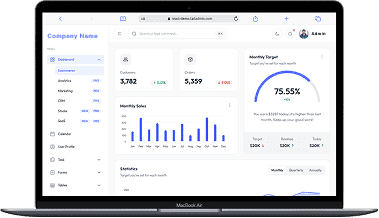
A perfect fit for someone who is getting started with a minimal budget, and looking for the premium features, UI/UX and scalability.
Training Institutes are finding Skilldeck.net quite useful, and are expediting their process & cutting down on the resources across all departments significantly. By reducing their expenses across all departments by at least 40%.
Skilldeck platform is developed by Manjunath Chowdary and team, Ex-Marketing head of Knowledgehut Upgrad, founder of KandraDigital Marketing solutions, and has built the tech and marketing strategies for various training companies.

Manjunath Chowdary
Founder & CEO, SkillDeck

Discover free AI tools that help students and working professionals with research, writing, presentations, coding, note-taking, and everyday tasks. Compare their main uses and choose tools that suit your requirements.
Alex

Explore ten technical and professional skills that can support career growth in 2027. Learn what each skill involves, where it can be applied, and how to start developing it for future job opportunities.

Natasha
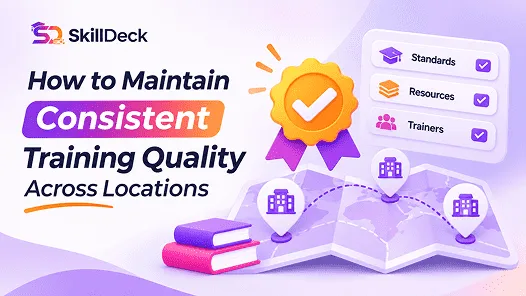
Learn how to maintain consistent training quality across multiple locations using standardised course materials, trainer guidelines, common assessments, quality checks, and learner feedback.
Natasha
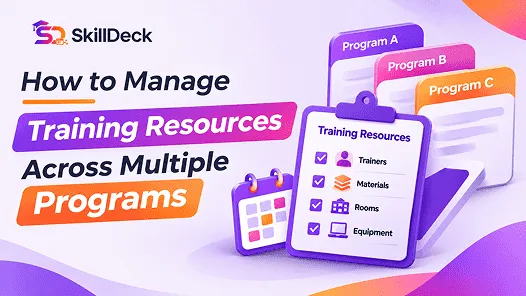
Learn how to manage trainers, training materials, rooms, equipment, and schedules across multiple programs with clear allocation rules, centralised records, and regular resource reviews.
Natasha
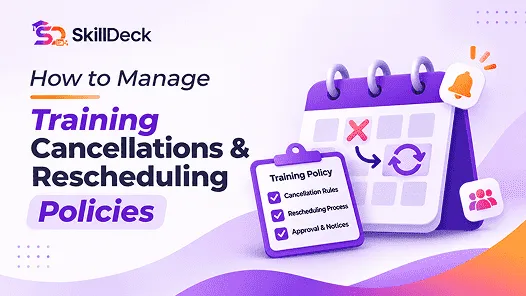
Learn how to manage training cancellations and rescheduling with clear policies, notice periods, participant communication, trainer coordination, and updated schedules.
Natasha
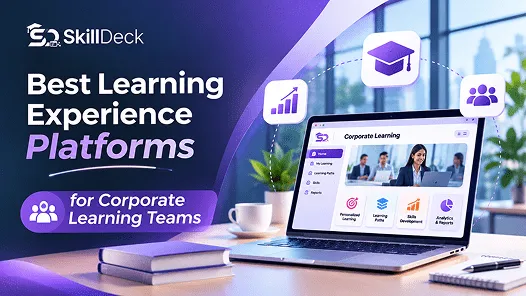
Compare learning platforms for corporate teams, focusing on course delivery, personalised learning, content discovery, skills development, and reporting. Explore leading options and identify the capabilities that best match your organisation’s training needs.
Alex